Key Features of Magento 2 Multi-Vendor
Demo of Magento 2 Multi vendor
- Hyva Compatible fully compatible with Hyva Theme
- All Products Supported Vendors can add all Magento-supported product types.
- Vendor Registration Portal Sellers register using a dedicated registration page.
- Product Approval Options Products can be approved manually or auto-approved instantly.
- Edit Vendor Info Admin can add, edit, or remove vendor accounts.
- Product Approval Settings Enable or disable product approval for sellers.
- Registration Approval Settings Approve seller registration before store access.
- Assign Vendor Products Admins can assign existing products to vendors.
- Seller Order Management Admin manages all seller orders from the backend.
- Admin Commission Control Set commission by vendor, globally, or by category.
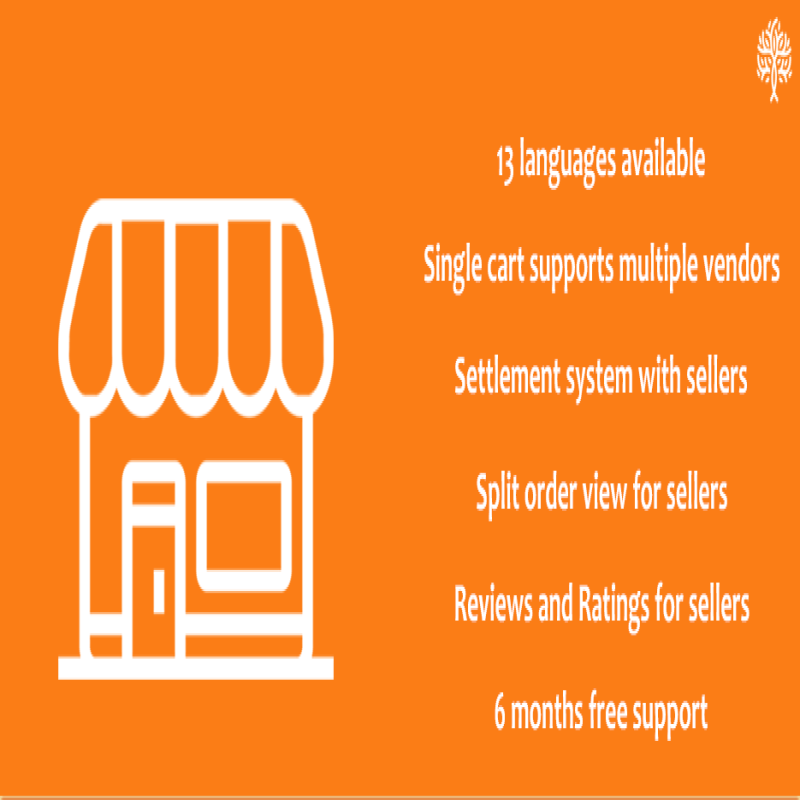
- Vendor Payment Settlement Admins manage vendor payments with offline records.
- Vendor Custom Attributes Vendors can create custom attributes and attribute sets.
- Order Processing Access Vendors can create invoices and view the customer’s shipping method.
- Vendor Review System Customers can rate vendors and their products.
- Customer Vendor Inquiries Customers can send vendor queries from product pages.
- Split Vendor Orders Orders split automatically when buying from multiple vendors.
- Language Support Supports multiple languages for global reach.
- Vendor Mobile App Compatible mobile app for vendor management.
- Combined Product Checkout Customers can checkout products from different sellers together.
- Offline Payment Records Admins can log vendor payments made offline.
- Free Lifetime Updates The extension includes all future upgrades for free.
- Open Source Code Fully customizable with open-source access.
- Ongoing Feature Updates Regular new feature additions and improvements.
- Bulk Product Upload Admins can upload and assign products in bulk.
- Top Marketplace Rating Rated highly on the Magento Marketplace platform.
Feature Summaries of Multi Vendor Plugin
Admin Features
- Add/Edit Vendor Information Admin can add vendors and edit seller information from the backend. Admin can also remove existing sellers.
- Set Product Approval Admin can require approval before a seller’s product appears in the store. This can be turned ON/OFF as needed.
- Set Registration Approval Sellers can register from the frontend, but admin may verify details before approval. This can be turned ON/OFF by admin.
- Set Vendor Categories Admin can control which categories vendors may use, restricting them if necessary.
- View Seller Orders from Admin Panel The extension adds a seller filter in the order list grid, allowing admin to filter orders by seller name.
- Assign Products to a Vendor Admin can assign existing products to a seller. Multiple products can be assigned, but each product belongs to only one vendor at a time.
- Manage Seller Orders Admin can manage seller orders if needed, even though sellers can manage them from their own panel.
- Manage Seller Reviews and Ratings Customers can leave reviews for products and vendors. Vendor ratings and reviews are visible to customers.
- Manage Commission Payable to Admin Admin can set commission globally, per vendor, or per category as a percentage of the product price.
- Manage Customer Inquiries for Vendors Admin can view all customer inquiries sent to vendors from the backend.
- Commission Data for Sales Admin can analyze commissions received from different sellers by date or vendor.
- Payment Settlement with Sellers Admin can issue offline payments to sellers and record them after collecting all payments through available methods.
- Manage Header and Footer Signup Links Admin can add “Become a Seller” links in the header and footer of the store.
Vendor Features
- Vendor Panel Sellers get a dedicated panel to manage products, orders, and profile information. The panel appears in the user dashboard after login.
- Register from Frontend Sellers can register from the website frontend using registration links in the header and footer.
- Manage Profile During or after registration, sellers can edit and update their profile information.
- Manage Store Each seller gets a dedicated store page on the website, which they can customize from their vendor panel.
- Add/Delete/Edit Products Vendors can manage simple, configurable, virtual, and downloadable products from their panel. Product approval is required if enabled by admin.
- Vendor-Specific Attributes and Attribute Sets Sellers can create custom attribute sets for configurable products, with default sets auto-created at registration.
- View Orders Vendors can view all their orders in a grid layout with filtering options in their panel.
- Process Orders – Invoice and Ship Vendors can generate invoices and view the customer’s shipping method.
- View Store Reviews Vendors can see customer reviews and ratings for their store after an order is completed.
- View Commission and Settlement Records Vendors can track commissions deducted and settlement payments from the admin directly in their panel.
- Manage User Inquiries Vendors can view inquiries sent by customers via product pages or their store page.
- Need a Custom Feature? Contact us with your request, and we’ll provide a priority estimate and delivery timeline.
Customer Features
- Order Split View for Vendors When a customer orders from multiple vendors, each vendor sees only their part of the order for independent processing. Shipping is handled as per global configuration.
- Contact Vendor Customers can send messages to vendors from product or store pages. An email notification is generated for every message or reply.
- Review and Rating for the Seller Customers who have purchased from a vendor can leave reviews and ratings, which appear on the vendor’s store page.
- View Vendor Store Page Users can view detailed vendor store pages by clicking the vendor name on product listing pages.
- Become a Vendor Registered users can apply to become a vendor using options available in their dashboard.
7500+ Happy Customers
Trusted worldwide for robust, reliable, and result-driven eCommerce solutions.
We handle everything – from OpenCart installation to premium plugin
installation. So you can focus on your business while we build the
foundation.
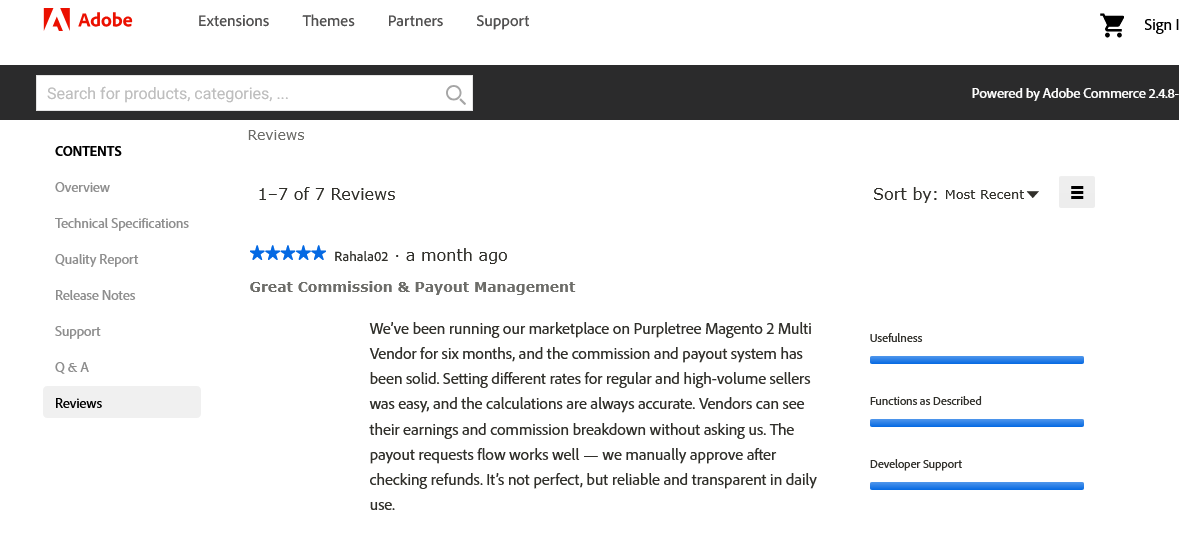
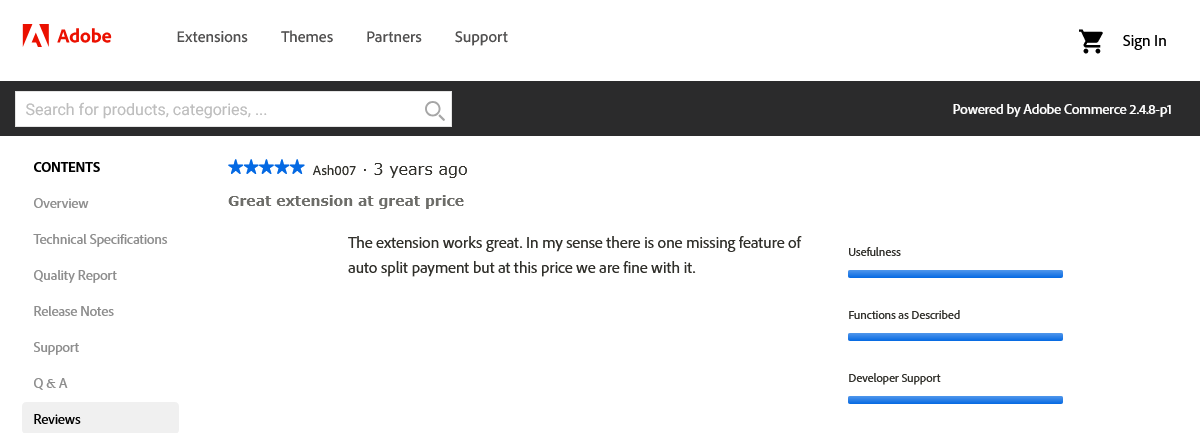
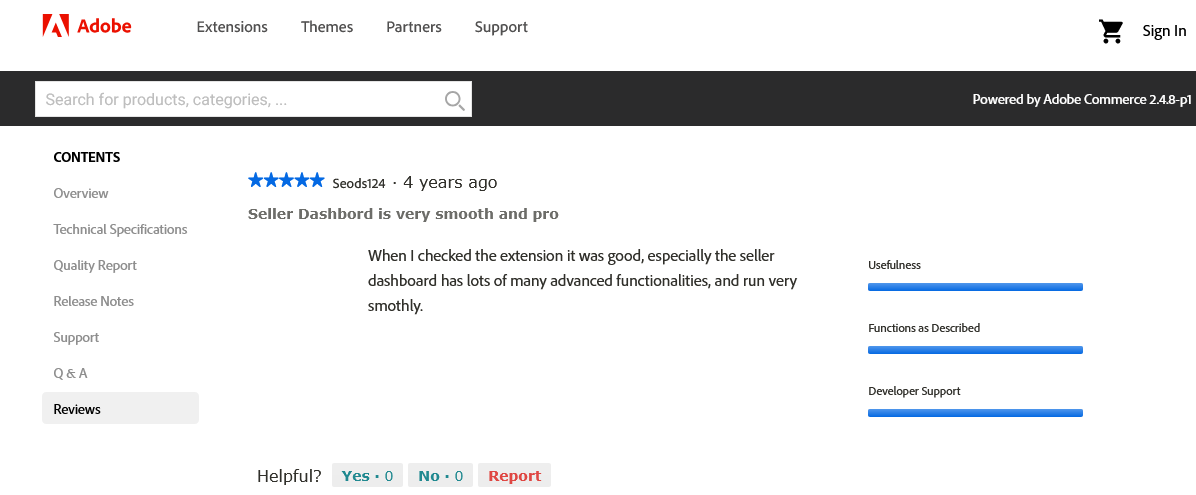
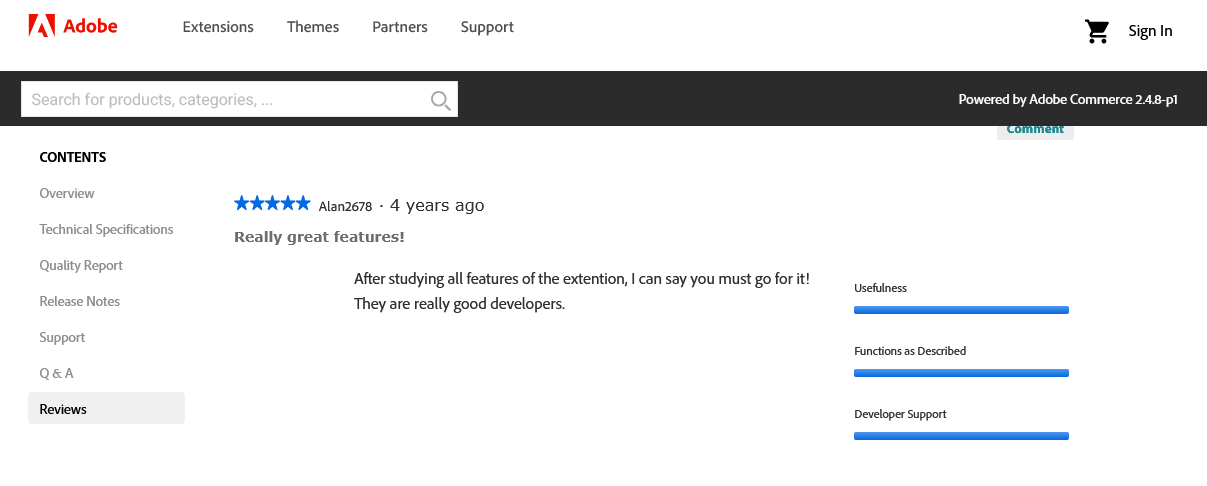
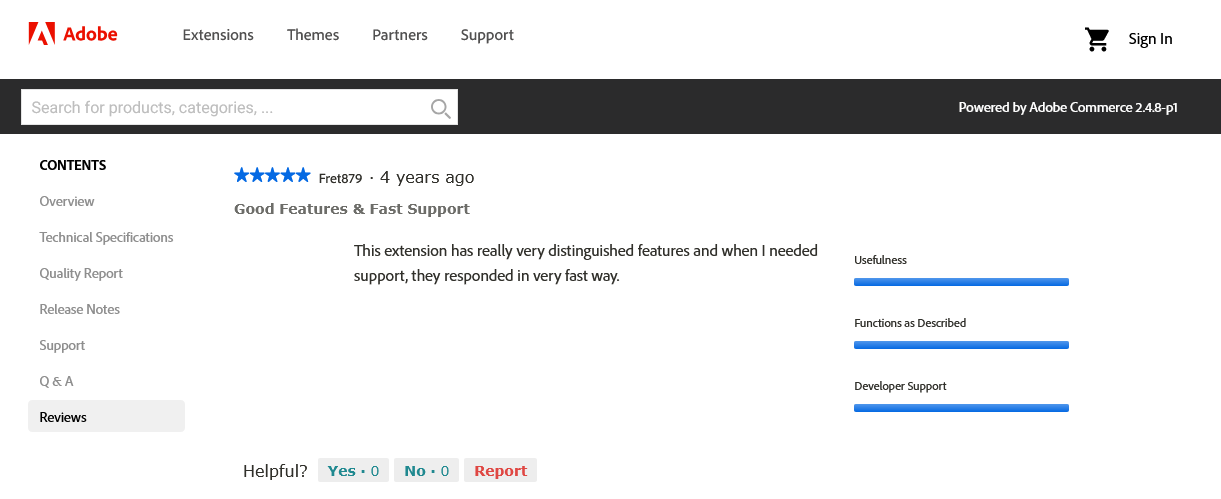
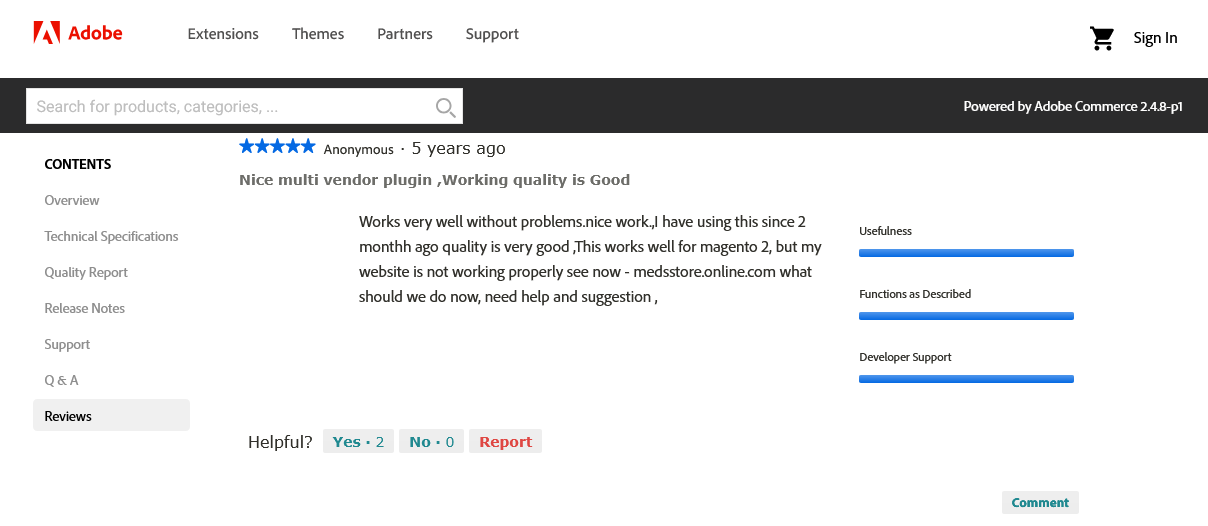
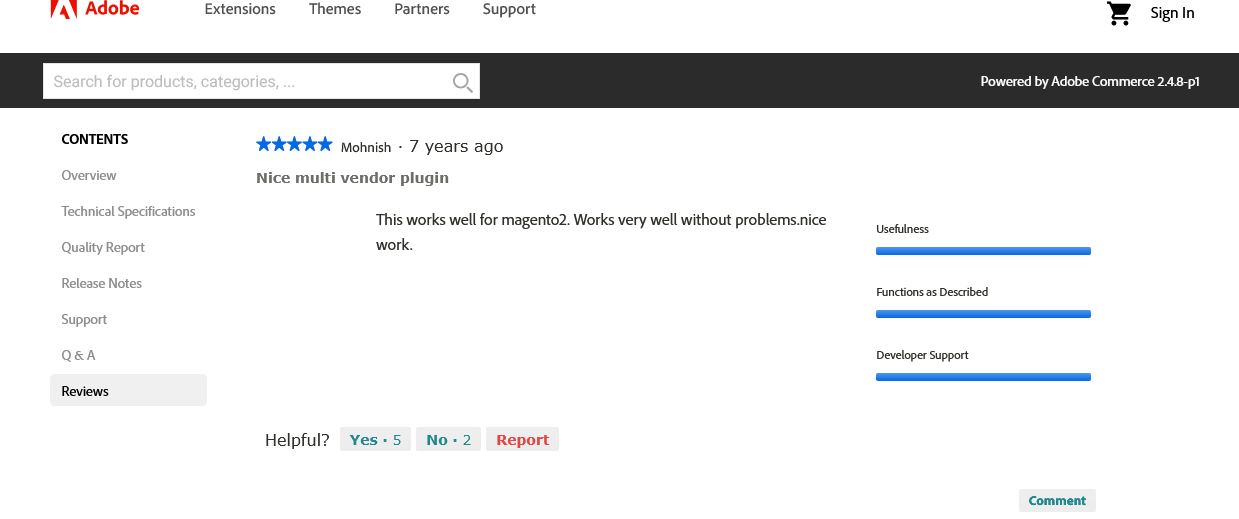
Official Reviews at Magento Marketplace
Multilingual Capability of Magento 2 Multi Seller Marketplace Plugin
The Magento 2 Multivendor module provides true multilingual capability. You do not need any language pack, etc., to support your language for the text coming from our extension (You still need a language pack for your Magento website for the parts that are not related to our Component). The following languages are available out-of-the-box:
English, Chinese, Spanish, Arabic, Portuguese, Indonesian, Japanese, Russian, French, German, Filipino, Vietnamese, Thai
Supports all Magento themes
This Multi-Vendor works for any theme and template. If any issue is encountered, it will be solved by our support team.
Some References are given below:
- Porto
- Ultimo
- Claue
- Shopper
- Ves Evolution
- Fortis
- Everything Store
- Milano
The Purpletree Multi Merchant E-commerce platform for Magento 2 is a comprehensive solution for store owners looking to convert a Magento Website into a multi-vendor marketplace. It allows vendors to register, upload and manage products, and set prices.
With a powerful admin panel, store owners can oversee vendor accounts, approve or reject products, set commission rates, and handle administrative tasks efficiently.
Overall, this enhancement helps Magento 2 store owners build a thriving vendor management platform and grow their online business.
Our Support, Guide & Policies
Download the user guide.
In case of any issues, please open a ticket from our helpdesk.
Note: Our extensions have a licensing policy. Click here to view the license policy.